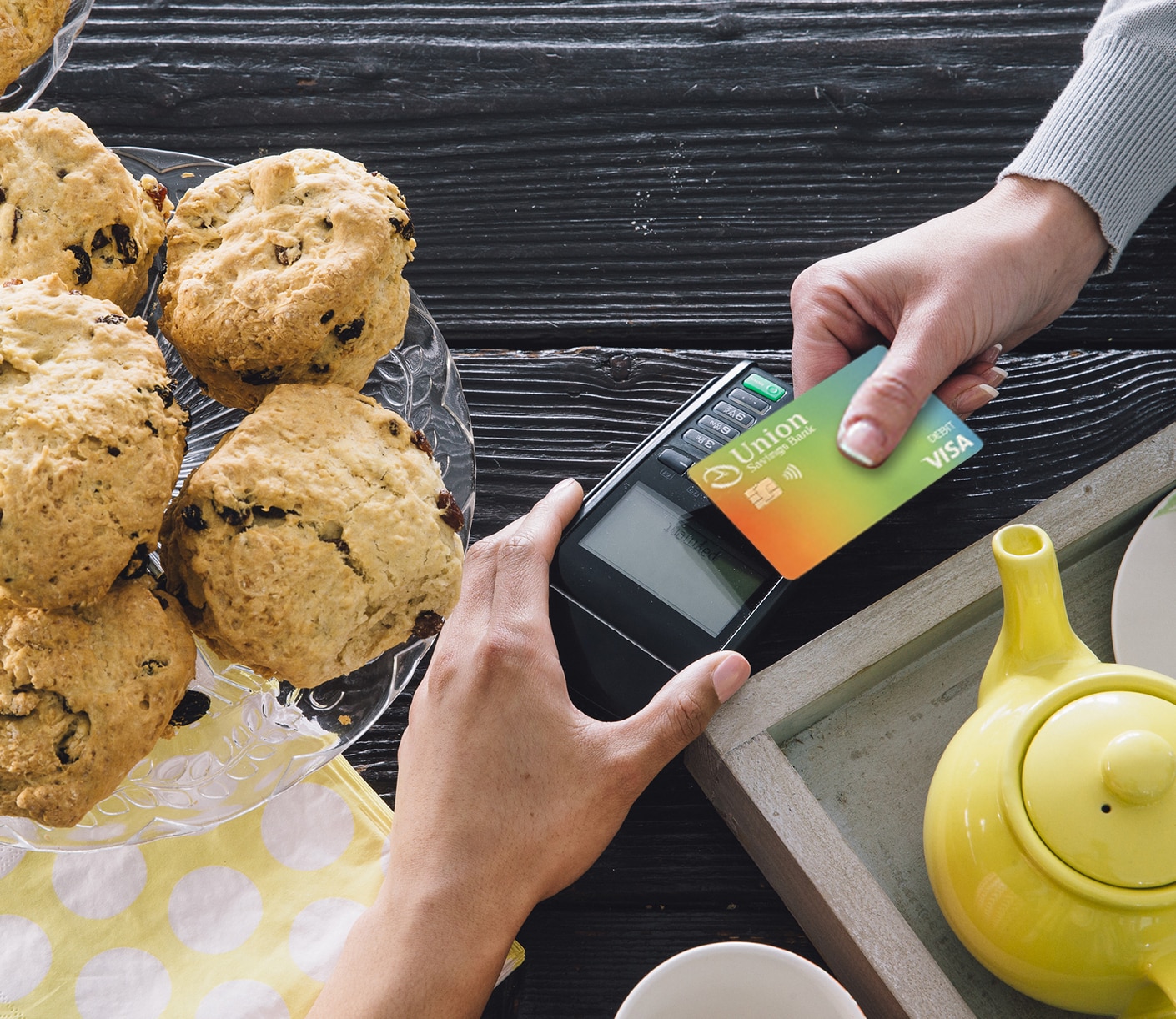
Contactless USB Debit Cards: Simply tap your card to pay
All the perks of using a USB Debit card, but even more convenient. Open a checking account and instantly get your new card, right in the branch.
Three Simple Steps

LOOK
for the Contactless Symbol on the checkout terminal.
TAP
or wave your card within an inch of the Contactless Symbol when prompted. Some merchants may require a signature or pin.

GO
once you get a “beep”, a checkmark or a greenlight – that’s it!
Contactless USB Debit Card Features
- Easy access anywhere Visa is accepted and your purchases will be automatically deducted from your checking account
- Use it to withdraw cash and perform transactions at the ATM
- Can be added to Digital Wallets – Apple Pay®, Samsung Wallet®, Google Wallet ™, and Visa Click to Pay
- Receive your new card or replacement card instantly, right in the branch
- Lost your card and can’t get to a branch? Just call us and a new card will be instantly available within USB Mobile to add to Apple Pay, even before your new card arrives in the mail
- Real-time fraud monitoring and alerts for your USB Debit Card
- Use Debit Card Controls within the USB Mobile App so you can control spending, turn your card on or off to reduce chance of fraud. View interactive demo
- If lost or stolen, Visa’s Zero Liability Policy®* covers you from paying for unauthorized purchases
- Easily track and control your spending through USB Online Banking and USB Mobile
To report a lost or stolen card, call us at 866.872.1866 during USB business hours.
After hours, please call 800.236.2442.
To reset your PIN, call: 866.613.2149.
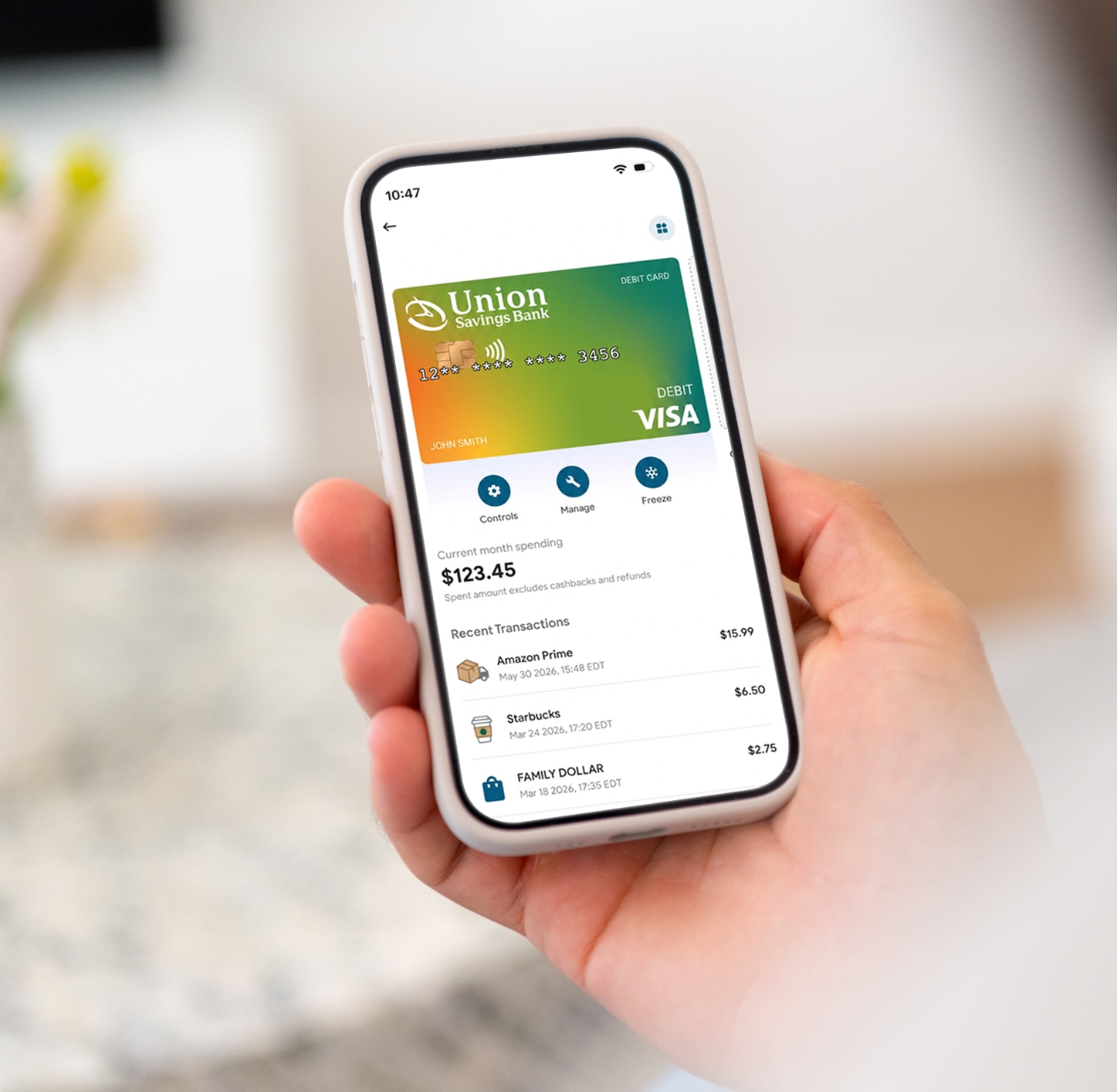
Debit Card Controls, Right From Your Phone
Skip the call or branch visit — manage your card right from the USB Mobile App with Card Controls.
Use Card Controls to:
- Change your PIN
- Report a lost or stolen card, or replace a damaged card
- Access a digital card for Apple Pay® or Google Wallet™
- Set travel dates
- Review recurring payments and block subscriptions
It’s a simple, secure way to manage your debit card wherever you are.

Disclaimers
Apple Pay is a trademark of Apple Inc. Google Wallet is a registered trademark of Google Inc. Samsung Wallet is a registered trademark of SAMSUNG. All rights reserved.
*Visa’s Zero Liability Policy covers U.S.-issued cards and does not apply to certain commercial card transactions or any transactions not processed by Visa. You must notify Union Savings Bank immediately of any unauthorized use. If determined that the unauthorized transactions occurred because of your gross negligence or fraud, the special limitations on liability may not apply.